Skool Referral Program: How Member Affiliates Work
Skool has two referral programs. How the member affiliate feature works: commission settings, 14-day attribution, and who is blocked from it.

Skool runs two separate referral programs and mixing them up is the single most common mistake. The first is Skool's own platform affiliate scheme, where you earn recurring commission for sending people to Skool itself. The second, and the one this page is about, is the member affiliate feature: a Pro-plan setting that lets your existing members earn a commission percentage you choose for bringing new members into your community. Owners and admins cannot use it. Here is exactly how it works.
Skool member affiliates at a glance
- Plan required: Pro, per Skool's help centre
- Who can refer: members and moderators, never owners or admins
- Commission: a percentage you set, changeable at any time
- Attribution: 14-day last-touch
- Hold period: commissions pending for 14 days before payout
- Courses: individual courses can carry their own commission
- Payout age: 18 or over to withdraw
- Support: fully automated, no manual attribution
How do you set up a referral program on Skool?
Setting up member affiliates takes four clicks and one number, and Skool's help centre lists it as a Pro-plan feature. Click your profile picture, then Settings, then the Admin gear for the community you want to configure, then open the Affiliates tab in the left navigation and set your commission percentage. Members see the referral option on their end as soon as it is switched on.
The setting is global to the group, so the percentage applies to every affiliate at once. You can also enable a commission on an individual course, which is set inside that course's own settings rather than the group Affiliates tab. That is useful when you want a different, usually higher, rate on a one-off course sale than on a recurring membership.
Who is allowed to refer members?
Members and moderators can refer. Owners and admins cannot. Skool blocks this deliberately, because the feature exists so that your community markets itself, not so that the people running it can pay themselves commission out of their own revenue.
Two more eligibility rules catch people out. A referrer must have an active membership in the group at the moment the new member joins, or the referral is simply not attributed. And commissions are only generated for genuinely new members: someone who leaves and rejoins through an affiliate link produces no commission.
How does Skool track referrals?
Skool uses 14-day last-touch attribution. If someone clicks an affiliate link and joins within 14 days, the commission is credited to the most recent link they clicked. Earned commission is then held as pending before it becomes withdrawable, which gives the payment time to clear. Skool documents a 14-day hold, which is easy to confuse with the separate 14-day attribution window, so check the current figure in your own affiliate dashboard rather than assuming.
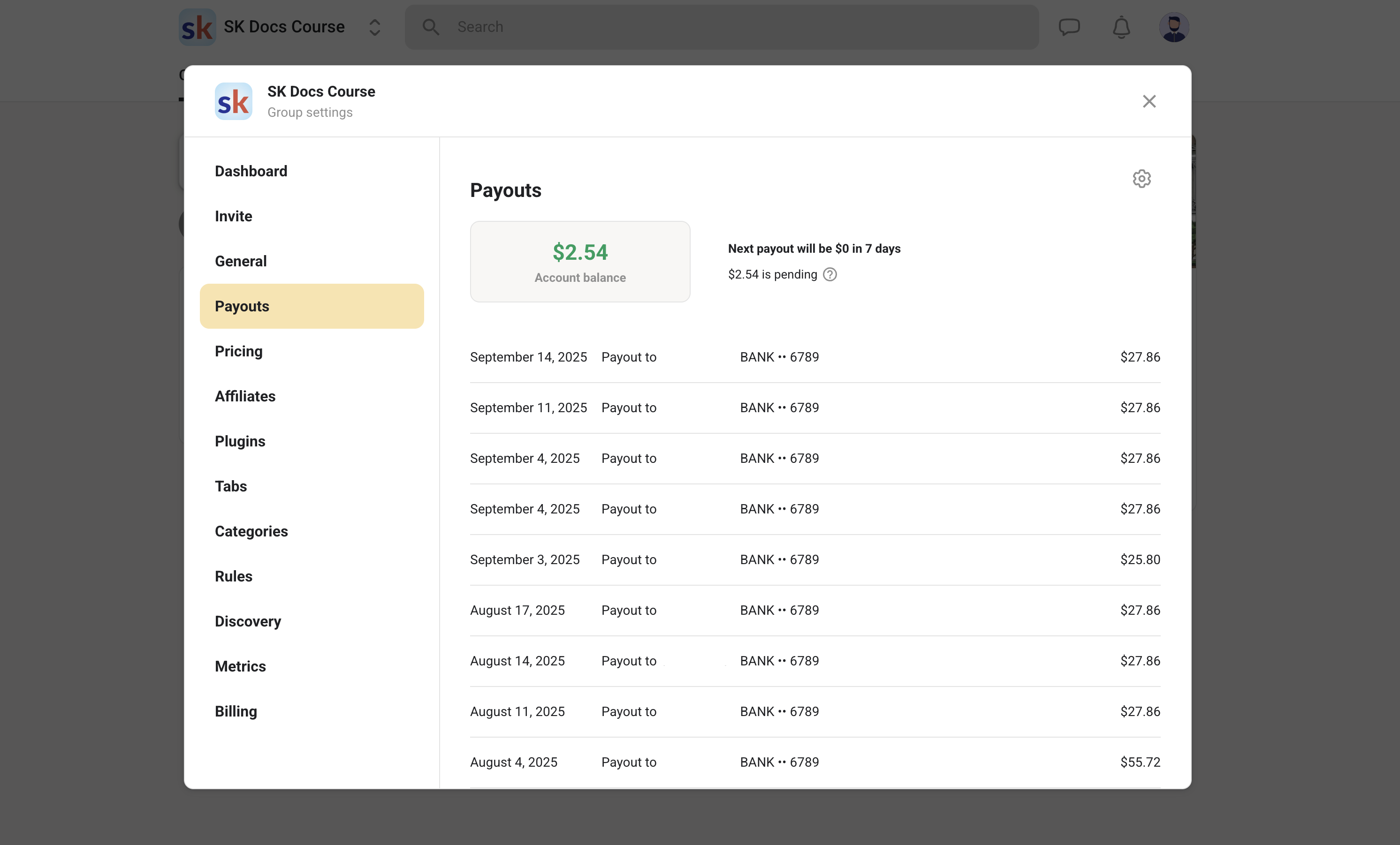
Negative balances are possible. If a member you referred later refunds or disputes the charge, the commission is clawed back and your affiliate balance can go below zero. Payouts run through the same identity-verification flow as the rest of Skool's payments: select your country, verify a phone number by SMS, add personal details matching your ID, and confirm your identity with documents. Skool's guidance is that a balance is usually payable after around 14 days of the referral being live. The wider payout mechanics are covered in how Skool payouts work.
Member affiliates vs the Skool affiliate program
These are different products with different money, and the search terms for them overlap badly. Here is the split.
| Member affiliates | Skool affiliate program | |
|---|---|---|
| What you promote | One specific community | The Skool platform itself |
| Who pays you | The community owner | Skool |
| Commission | A percentage the owner chooses | 40% recurring |
| Who can join | Members of that group, on Pro | Anyone with a Skool account |
| Cookie window | 14 days, last touch | 14 days |
| Triggers when | A new member joins the group | A referral starts their own community |
If you are looking for the platform-wide 40% recurring scheme rather than the in-community one, that is fully explained in the Skool affiliate program.
How does Skool compare to other platforms on referrals?
Most community platforms have some affiliate capability, but they differ on whether members can be affiliates and what it costs to switch on. This is a 2026 snapshot and worth verifying before you commit.
| Platform | Member or customer referrals | Plan required |
|---|---|---|
| Skool | Yes, member affiliates with an owner-set % | Pro |
| Kajabi | Yes, affiliate program included | Growth and above |
| Circle | Yes, on higher tiers | Business and above |
| Whop | Yes, native affiliate marketplace | All plans |
| Patreon | No native member referral commission | n/a |
| Teachable | Yes, affiliate tracking built in | Paid plans |
Skool's version is unusually simple: one percentage, one toggle, no separate dashboard to configure. The trade-off is that it is also unusually blunt, with no per-affiliate rates and no tiers.
One caveat worth knowing before you plan around it. Skool's public pricing page lists Affiliates as a feature of both the $9 Hobby plan and the $99 Pro plan, while the help centre article for setting up member affiliates states plainly that the feature is Pro only. The likeliest reading is that the pricing page is referring to Skool's platform-wide affiliate scheme, which anyone can join, rather than the in-community member affiliate feature. If your plan depends on it, confirm inside your own admin settings before committing.
What to do when a referral is not attributed
Work through Skool's own diagnostic list before contacting anyone. Check that the referrer is not an admin or owner, that the affiliate feature is actually switched on for the group, that the group is on Pro, and that the referrer held an active membership when the new member joined. If all four pass and the join happened inside the 14-day window, the attribution should exist.
Skool is explicit that the affiliate system is automated end to end and asks people not to contact support to add a member to an affiliate manually. If something genuinely looks broken rather than mis-configured, contacting Skool support is the route, but expect the diagnostic questions above first.
The builder takeaway: the number you set in the Affiliates tab is a one-way ratchet in practice. Skool warns that lowering or removing a commission upsets existing affiliates and damages your reputation, while raising it is fine. So do not open at a generous rate you cannot sustain. Start lower than feels comfortable, watch what it actually produces, and raise it once you know your retention holds up. A commission on a member who churns in month two costs you more than it earned.
Frequently asked questions
Does Skool have a referral program?
Yes, two of them. Skool's platform affiliate program pays 40% recurring when someone you refer goes on to create their own Skool community. Separately, community owners can switch on member affiliates so their own members earn a commission for bringing in new members.
Is the Skool referral feature free?
The feature itself costs nothing extra, but it requires the Pro plan at $99 per month. It is not available on the Hobby plan. See how much Skool costs for the plan comparison.
Can I refer people to my own Skool community?
No. Owners and admins are blocked from referring to their own group. The feature is intended for members and moderators only, and referrals from admin accounts will not be attributed.
How long does a Skool referral link last?
The attribution window is 14 days on a last-touch basis. If the person clicks a different affiliate link after yours and joins, the commission goes to the more recent link.
When do I get paid for a Skool referral?
Commissions are held as pending for 14 days after the referral, then become available to withdraw through the payout flow. You must be at least 18 to withdraw funds.
Where is my Skool referral link?
Inside a paid group that has the affiliates feature turned on, members see an option to invite others, which produces the referral link and an affiliate dashboard showing who joined through it. If you cannot see it, the group owner has not enabled the feature or the group is not on Pro.
Updated September 2026. Mechanics verified against Skool's help centre articles on setting up member affiliates, referring other members, and unattributed referrals. Competitor affiliate terms change often; confirm on each platform's pricing page.
Start your Skool community
Ready to build a community of your own? Start on Skool through our link. We may earn a commission if you create and keep a paid community, at no extra cost to you.
Start your Skool community →Keep reading
How to Promote a Skool Community: 50 Rooms Measured
Skool Ads: How to Advertise a Skool Community

Skool Growth Boost Calculator: What It Can Tell You

Skool Invite Link: 4 Ways to Invite Members (2026 Guide)
How to Get Your First Skool Members: First 100 Guide 2026

Skool Webinar vs Skool Call: Which Should You Run?

Skool Facebook Pixel & Ads Tracking Setup (2026 Guide)

How to Price a Skool Community: What Should You Charge?
Skool Pricing 2026: $9 Hobby vs $99 Pro Costs